Dice Have No Eyes Links Hub
Store page, community Discord, creator socials, and the wiki hubs you will actually use.
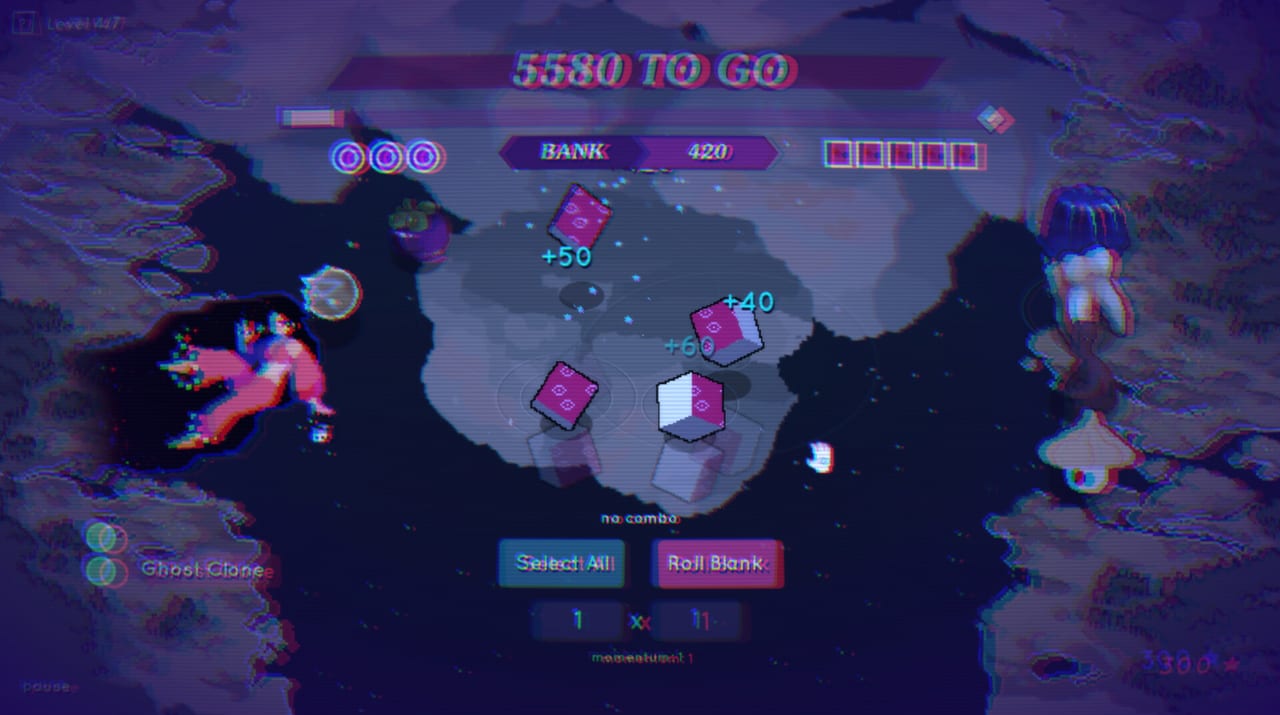
Need the store page, the Discord, or Franek’s socials without digging through patch essays? This Links hub gathers official outbound destinations for Dice Have No Eyes and the internal wiki hubs that keep mechanical advice organized. The game is a Steam single-player release by Franek and Max Cahill—not a Roblox experience—so every outbound link below points at PC storefront or creator channels.
Official store and community
- Dice Have No Eyes on Steam — purchase, wishlist, news hub, and system requirements source of truth (app 4535880).
- Discord invite — bug reports, playtalk, and developer-adjacent community chat.
- Franek on X (@Franrekk) — launch notes, art, and short updates.
- Instagram (@franek_pixelart) — pixel art and visual development posts.
- Bluesky (@franekk) — additional social presence for announcements and art.
If a Discord invite ever expires, check the Steam news posts or Franek’s social bios for a fresh link, then return here when the wiki is updated.
How to use outbound links responsibly
- Verify patches on Steam news before rewriting your entire build around a rumor.
- Ask Discord for live hotfix clarity; keep spoilers tagged if you care about endings.
- Follow socials for art and shipping vibe, not as a replacement for reading Version 1.0.
- Do not download “codes” or scripts from random mirrors—this game does not work that way.
- Prefer the Steam client for installs and file verification when something breaks.
Internal wiki hubs
Learn the loop
- Guides Hub — walkthrough-style pages including Getting Started.
- Wiki overview — short SEO-style map of the whole site.
Rank and draft
- Tier List Hub — ranking philosophy.
- Character Tier List — S–C faces with caveats.
- Trinkets and Builds — Mirror, Skip, Hardy, Doom, babies, snacks.
Roster
- Characters Hub — cast overview.
- Companions — thirteen powers and dog kits.
- Anais — smite economy deep dive.
Patches and setup
- Updates Hub — EA-to-1.0 timeline.
- Version 1.0 — full launch guide.
- Tools Hub — setup landing.
- Controls — mouse, pad, Deck, night mode.
- System Requirements — min/rec specs.
Quick answers these links unlock
- Price / discount windows: Steam store page (baseline often around $9.99 with seasonal sales).
- Deck rating: Steam store compatibility section plus our system requirements notes.
- Patch chronology: Steam news + Updates.
- Art credits vibe: Instagram and X.
- Mechanical mastery: Tier List and Characters hubs, not social comment sections.
Community etiquette (short)
Be kind in Discord. Spoiler-tag God run and ending talk. Credit Franek and Max Cahill when you share clips. Remember the game is a small-team fever dream; bug reports with steps beat vague “RNG sucks” posts.
Fan wiki disclaimer
This site is a fan-made wiki for Dice Have No Eyes. It is not an official Franek studio manual. When store text and wiki text disagree on requirements or dates, trust Steam and developer posts, then tell the wiki to update.
Suggested bookmark set
- Steam store
- Discord
- This Links hub
- Tier List Hub
- Updates Hub
With those five, you can buy, chat, rank, and patch-check without drowning in tabs.
When links change
Indie socials and Discord invites rotate. If a markdown URL 404s, use Steam’s official news as the recovery path. The internal /path/ links on this wiki stay stable across languages because they are locale-agnostic with trailing slashes.
Happy banking—and when the dice take everything, at least your bookmarks will still work.
Frequently Asked Questions
Quick answers to the most common questions.
What is the Steam app ID?
4535880. Use the Steam store link on this page for the canonical product listing.
Where do I join the Discord?
Use the Discord invite linked above (https://discord.gg/JadTqtS5Rc). If it expires, check Steam news or Franek’s social bios.
Which social accounts are official-ish creator channels?
X @Franrekk, Instagram franek_pixelart, and Bluesky franekk are the creator links tracked here.
Is this wiki official?
No. It is a fan resource. Prefer Steam and developer posts when details conflict.
Where should I go for builds after bookmarking links?
Open the Tier List Hub, then Trinkets and Builds or the Characters Hub depending on whether you need loot or faces.